MindCare Wellness LMS
LiveReplacing on-site-only training with a role-based LMS on Firebase.
Lead with: The problem — why fully on-site training breaks down — and the role-based Firebase build that replaces it.
The technical problem
Training was delivered entirely on-site, so every course required students and instructors to be in the same room at the same time. That meant travel and scheduling burden for students who lived far away or had conflicting availability, no way for instructors to teach remotely, and course capacity capped by classroom size. Coordinating multiple courses through a fully in-person model also meant real staff overhead just to run the calendar, not to build the curriculum.
Architecture / stack
The LMS is a Next.js frontend on Firebase end to end: Firestore holds users, courses, modules, lessons, quizzes, enrollments, and progress; Firebase Authentication handles registration and login; and access is gated by role — student, instructor, admin — rather than by a separate authorization service. Course content, quiz results, and progress sync in real time through Firestore, Cloud Functions handle backend work like enrollment processing and notifications, and Firebase Storage holds course videos, images, and other uploaded files. Deployment runs through Firebase Hosting tied to the project's source-control workflow, so pushes to the connected branch roll out to the production environment directly.
The interesting decision
The LMS runs entirely on Firebase rather than a separate custom backend and API layer — a Node/Express service with its own database would have given more control over data modeling and business logic, but building and operating that layer wasn't worth it at this stage. Firebase already covered auth, real-time data, file storage, and serverless functions out of the box, which let the team spend its time on course management and the learning experience instead of backend infrastructure. The trade-off is real vendor lock-in and less control over query patterns and scaling than a custom backend would allow, but for the current scale that was worth trading away for faster delivery and lower ops overhead.
What shipped
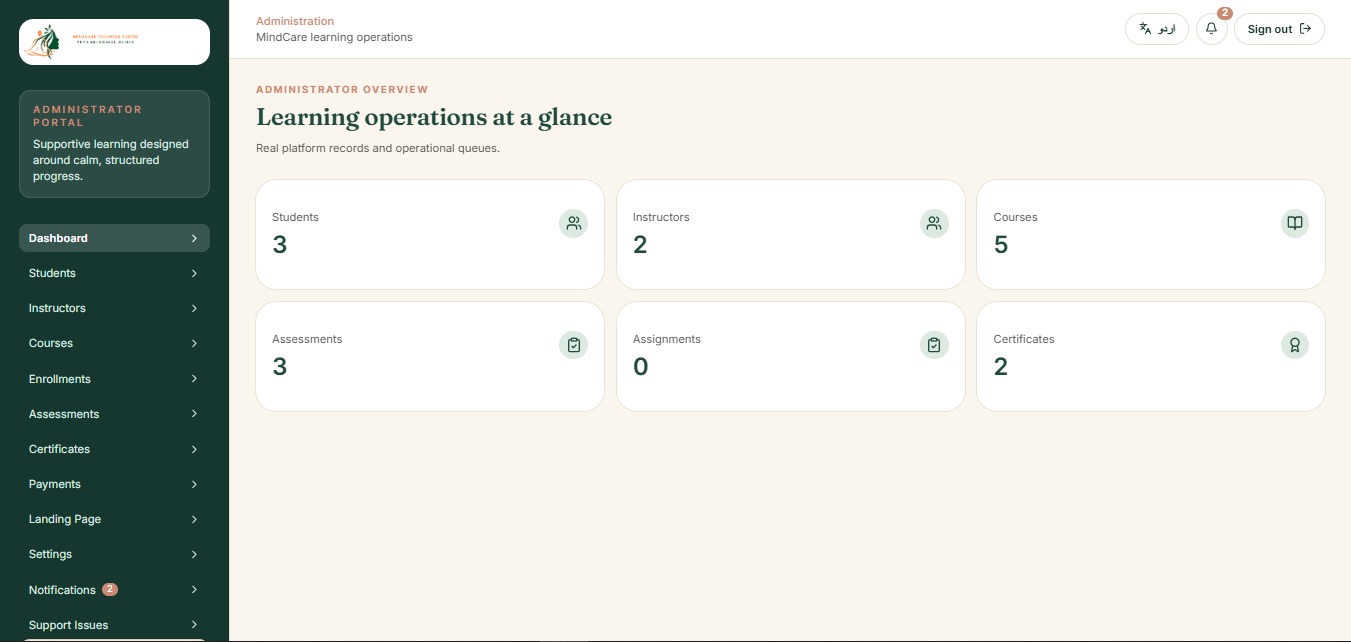
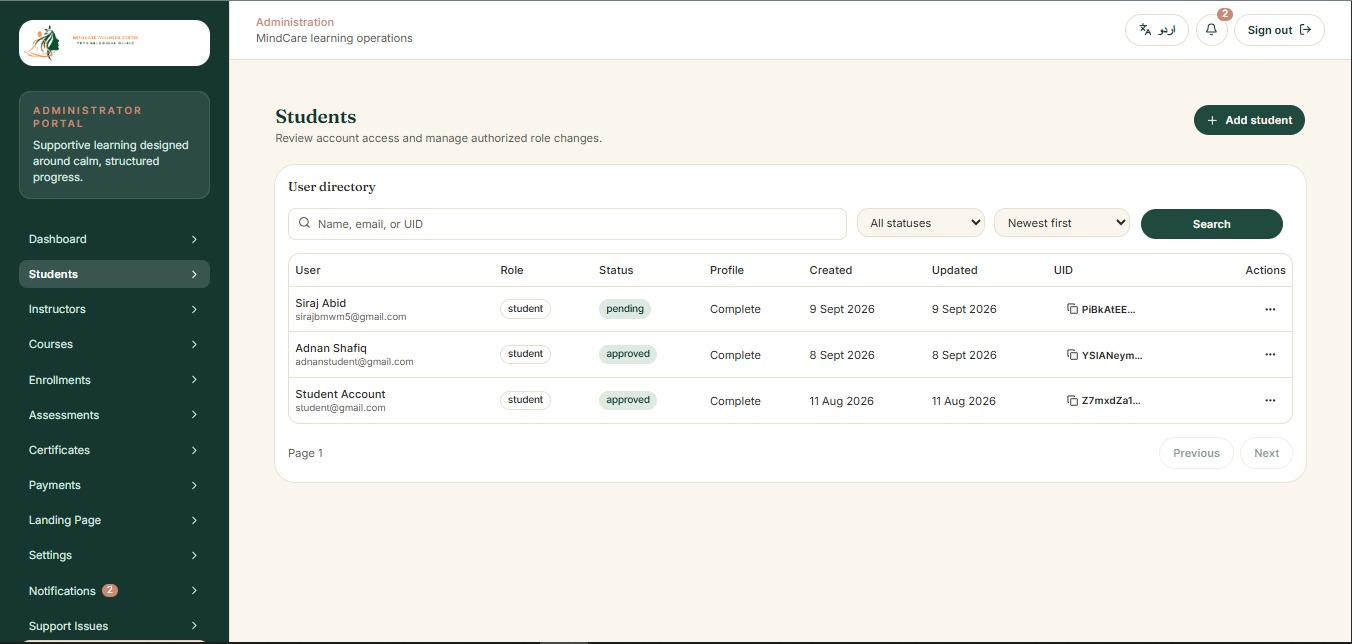
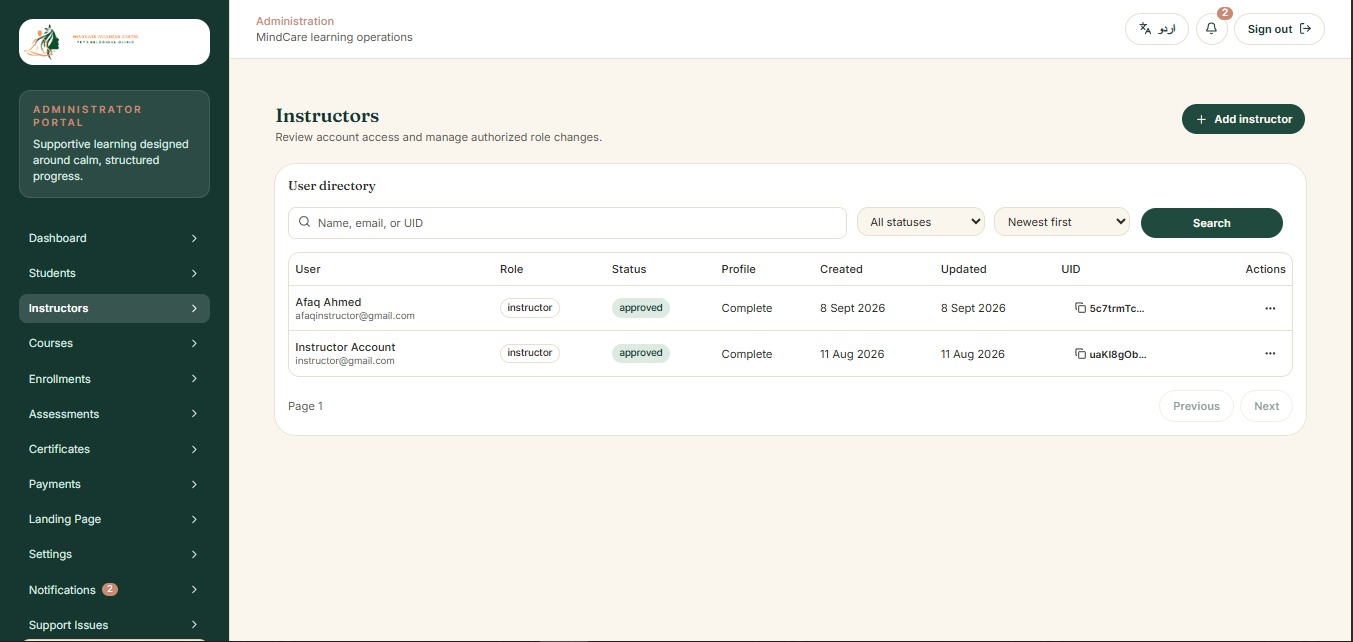
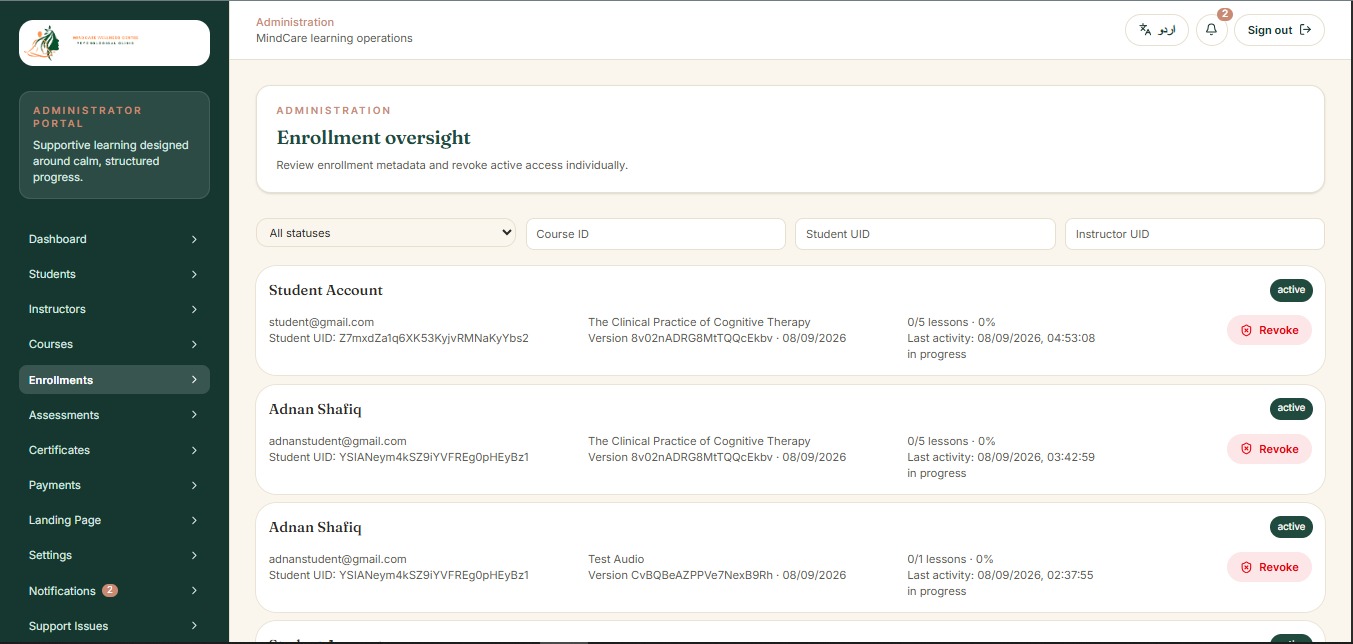
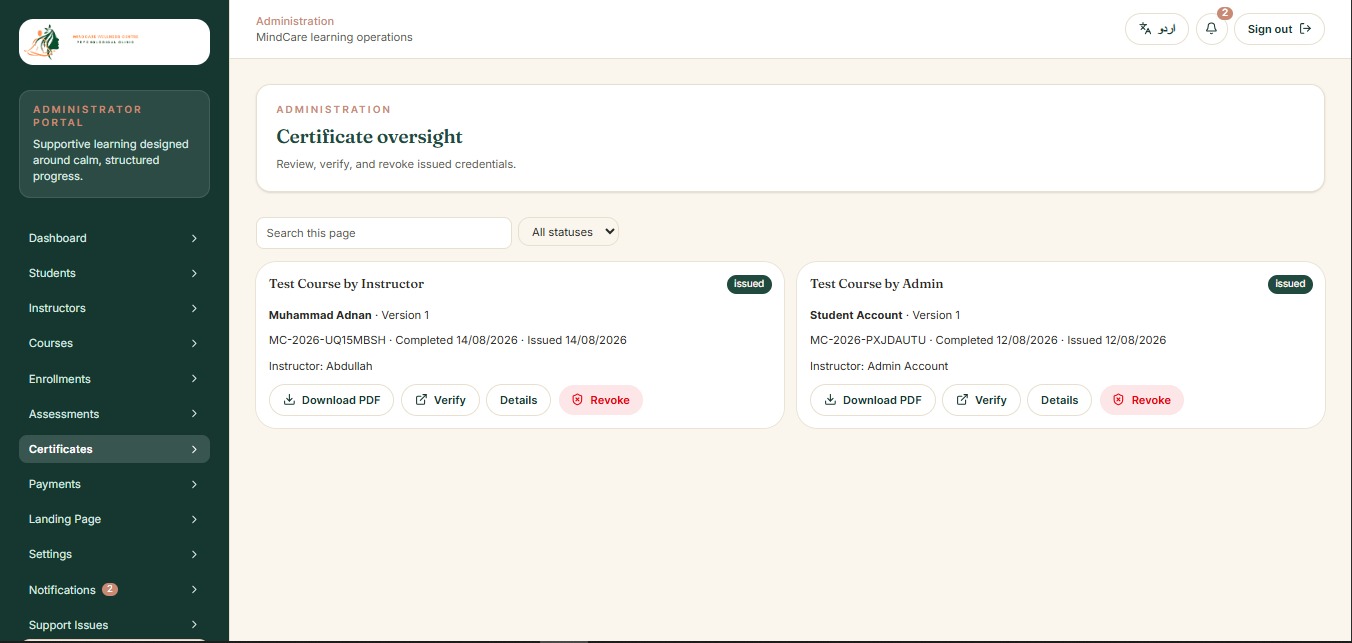
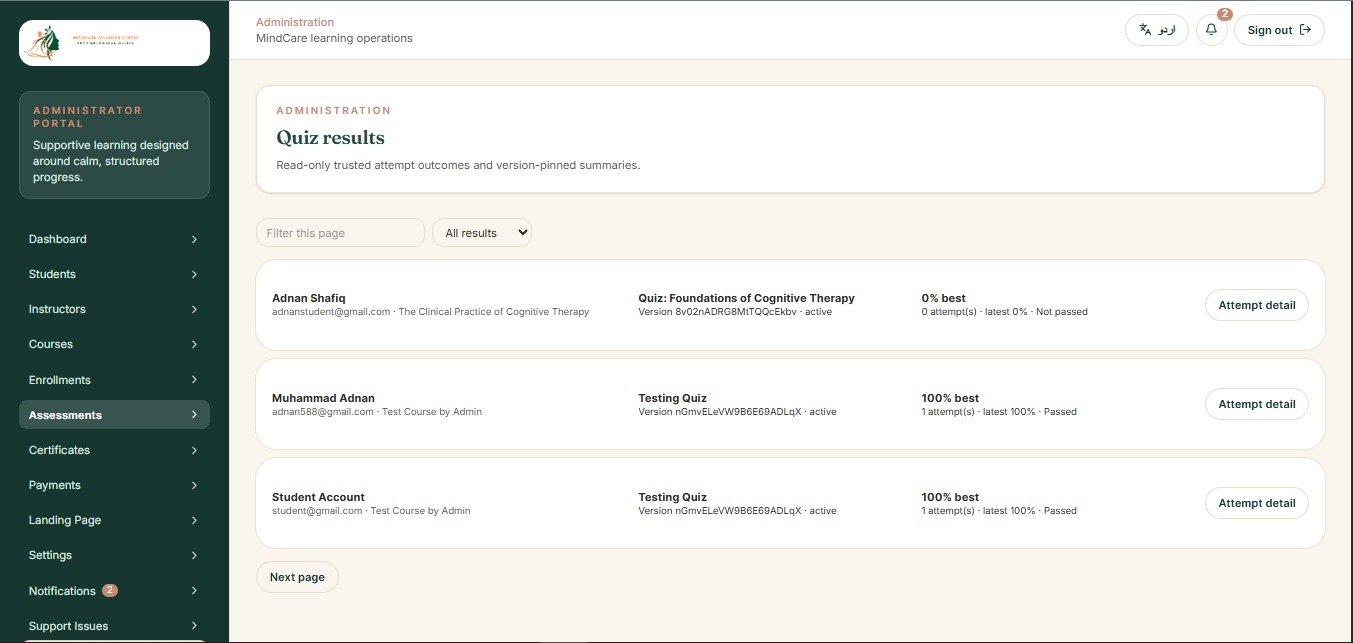
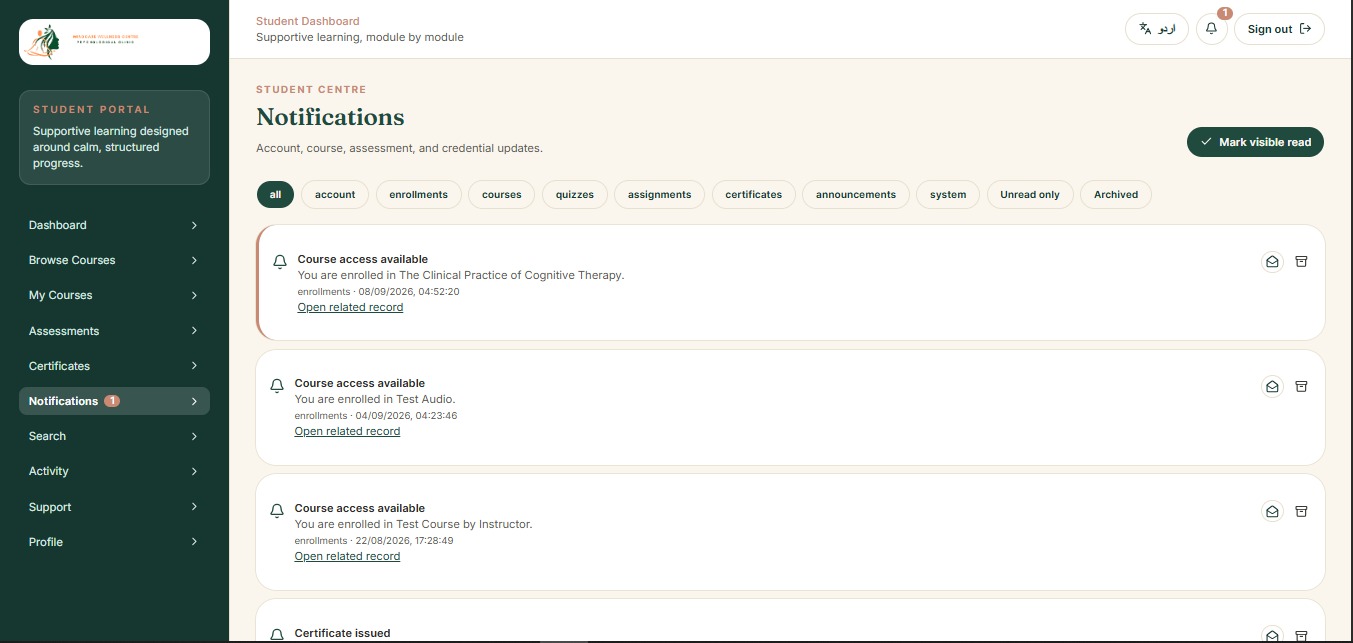
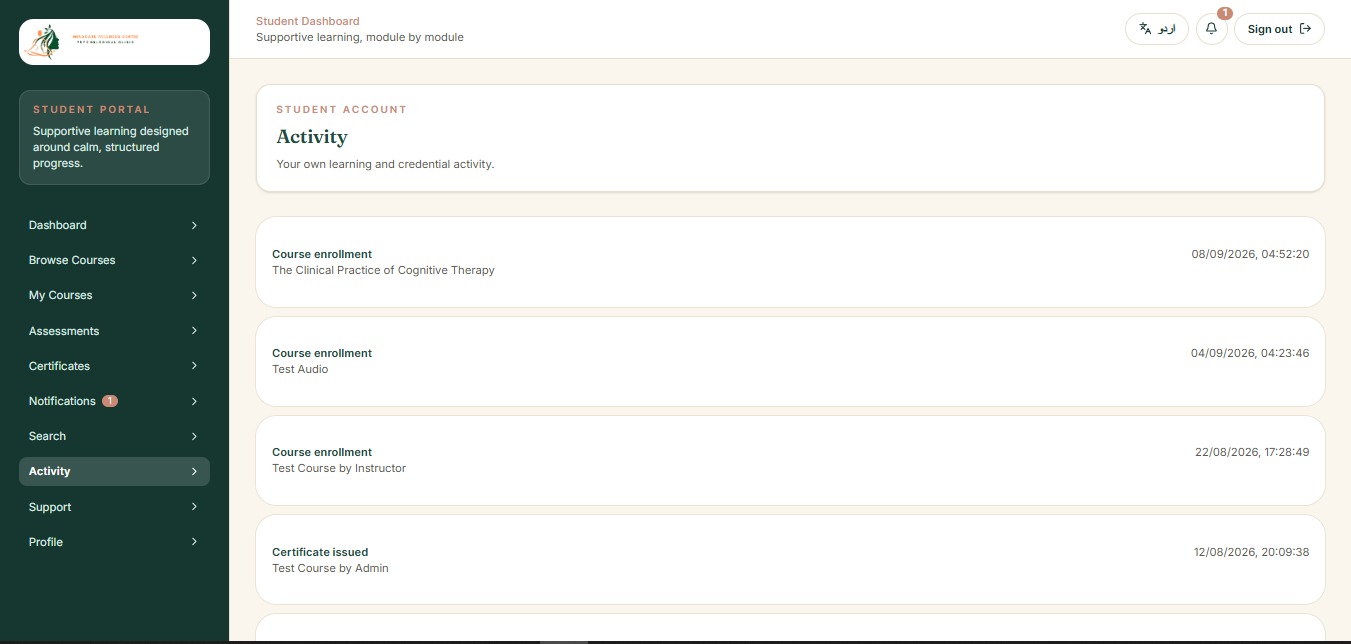
Students can register, browse and enroll in courses, work through modules and lessons, attempt quizzes and assignments, track their own progress, and receive a completion certificate. Instructors can build courses, quizzes, and assignments, submit courses for admin approval before they go live, and monitor their own students' progress and results. Admins manage the student and instructor rosters, review and approve instructor-submitted courses, can create and manage courses and quizzes directly, and oversee progress and certificates across the platform.